
CHECK DELIVERY DATER on IKO - Inköpsorder / Purchase order - small suppliers
Uppdaterad
How to check a purchase order (IKO) for SMALL suppliers (ex Cuero, Linie Design etc...)
OPEN IKO
- Open BC
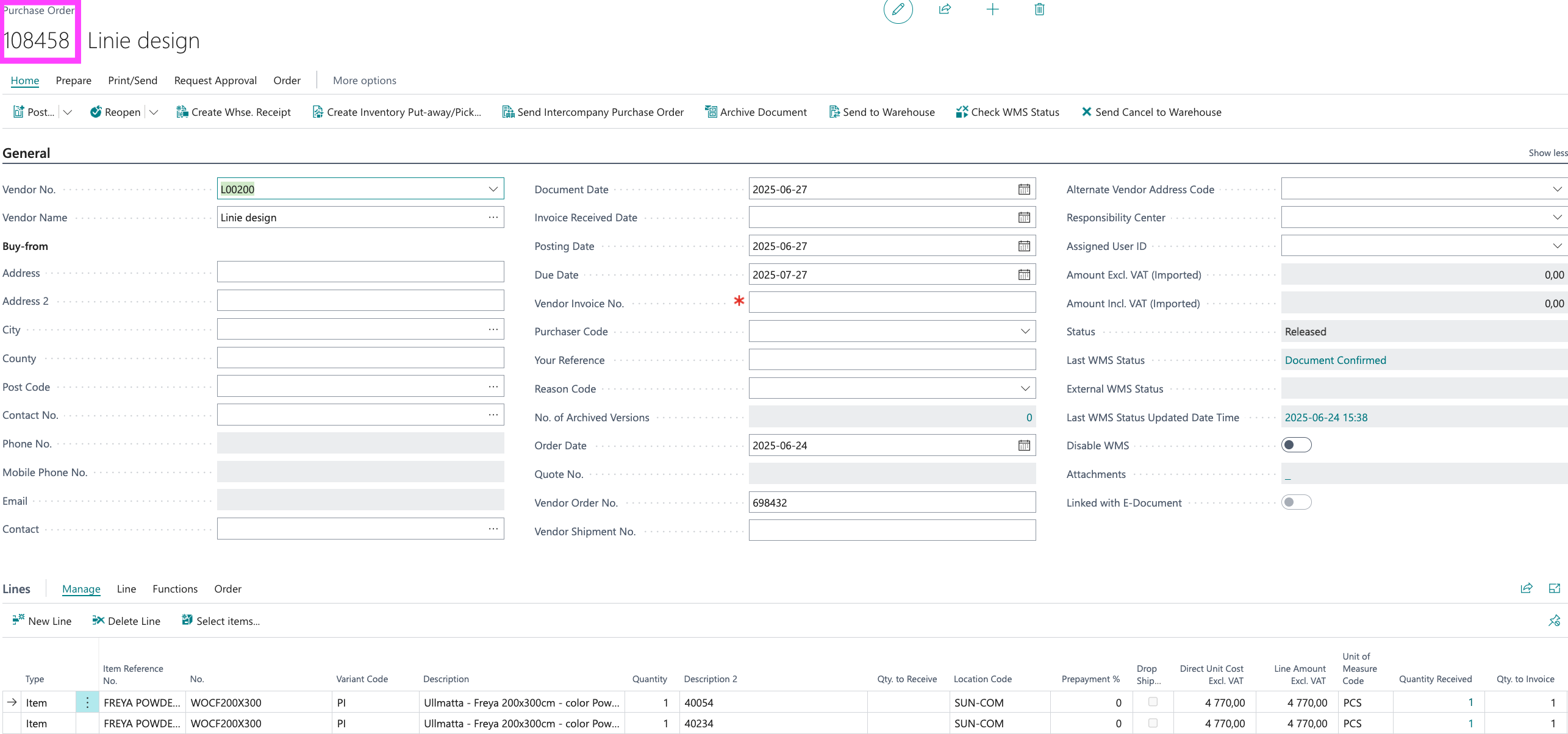
- Purchase > Purchase orders || Inköp > Inköpsorder
- Search for the supplier (ex Cuero, Linie Design etc...)
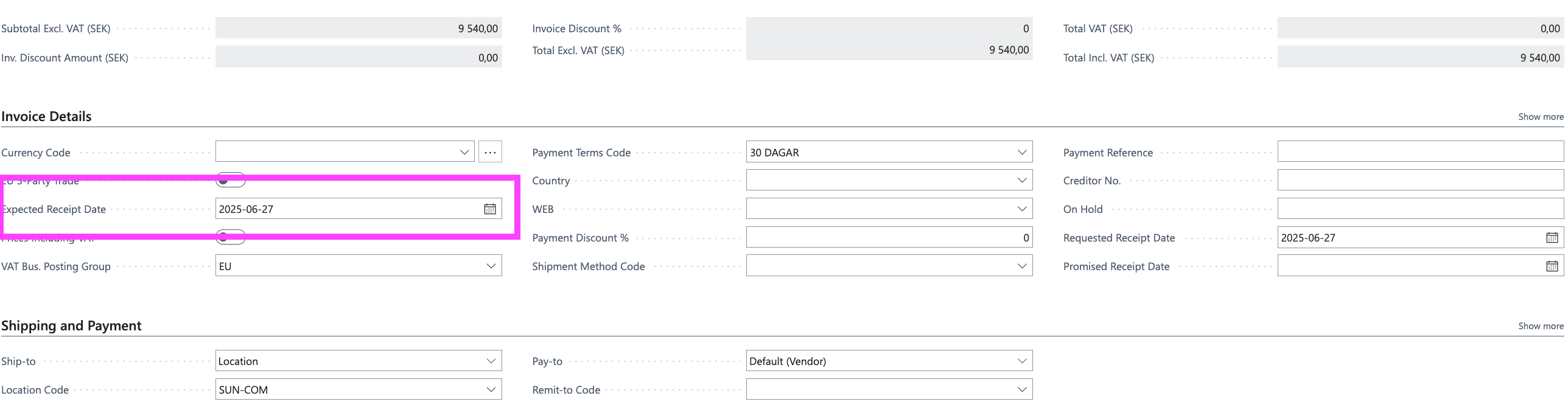
- Check the Expected Receipt date || Förväntat inleveransdatum
POSTED IKO
- Open BC
- Purchase > Posted purchase invoices || Inköp > Bokförda försäljningsfakturor
- Search for the supplier (ex Cuero, Linie Design etc...)
- Check the Expected Receipt date or posting date || Förväntat inleveransdatum eller Bokföringsdatum